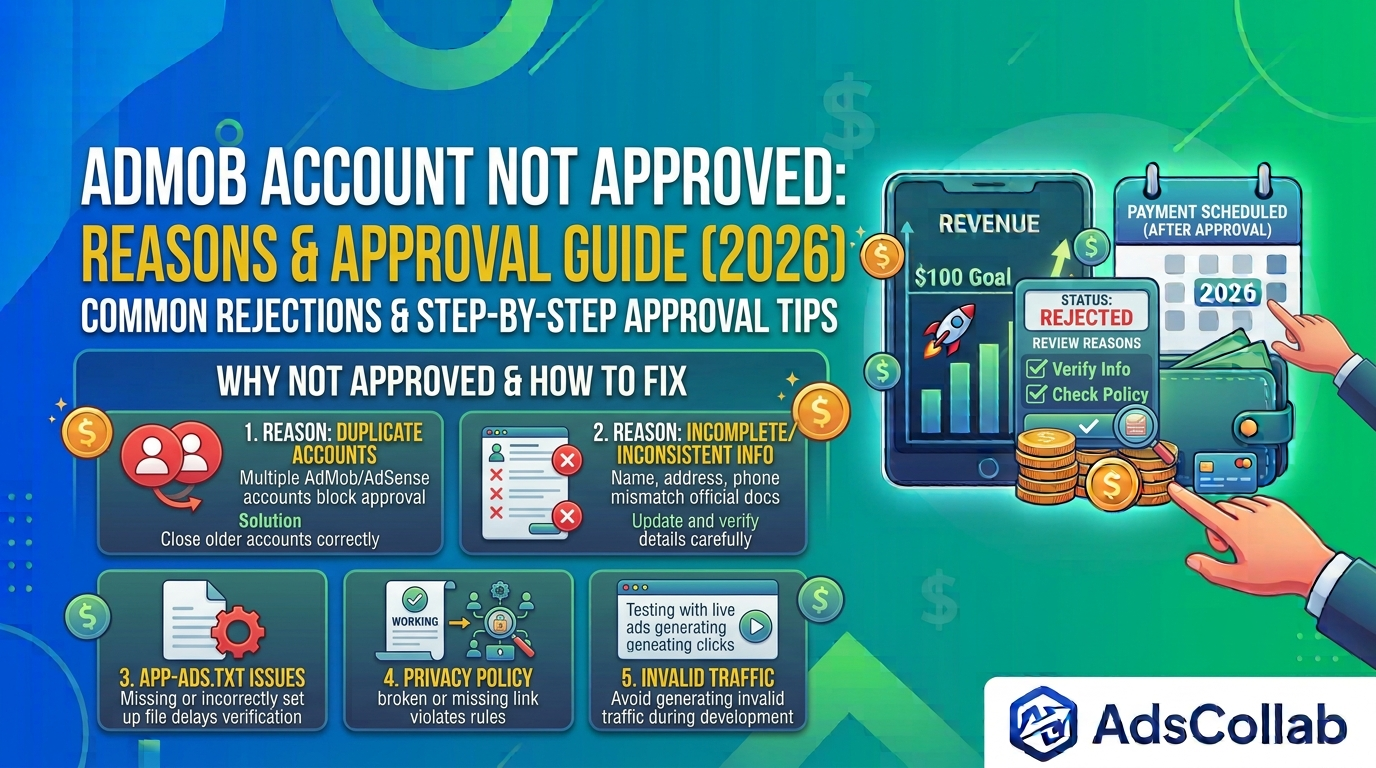
AdMob Account Not Approved: Reasons & How to Get AdMob Approval in 2026
Seeing the message “AdMob account not approved” can be frustrating, especially when you’re ready to start monetizing your app. Many developers face this issue during the initial review process. The good news is that most rejections can be fixed if you understand the common causes and follow the right steps.
In this guide, we’ll explain why an AdMob account is not approved and provide clear actions on how to get AdMob approval in 2026.
Why Is Your AdMob Account Not Approved?
When you first sign up for AdMob, Google reviews your account before approving it. This process usually takes up to 24 hours, but in some cases it can take longer. If your account is not approved, you’ll typically receive an email with the subject “Your application status.”
Common reasons for rejection include:
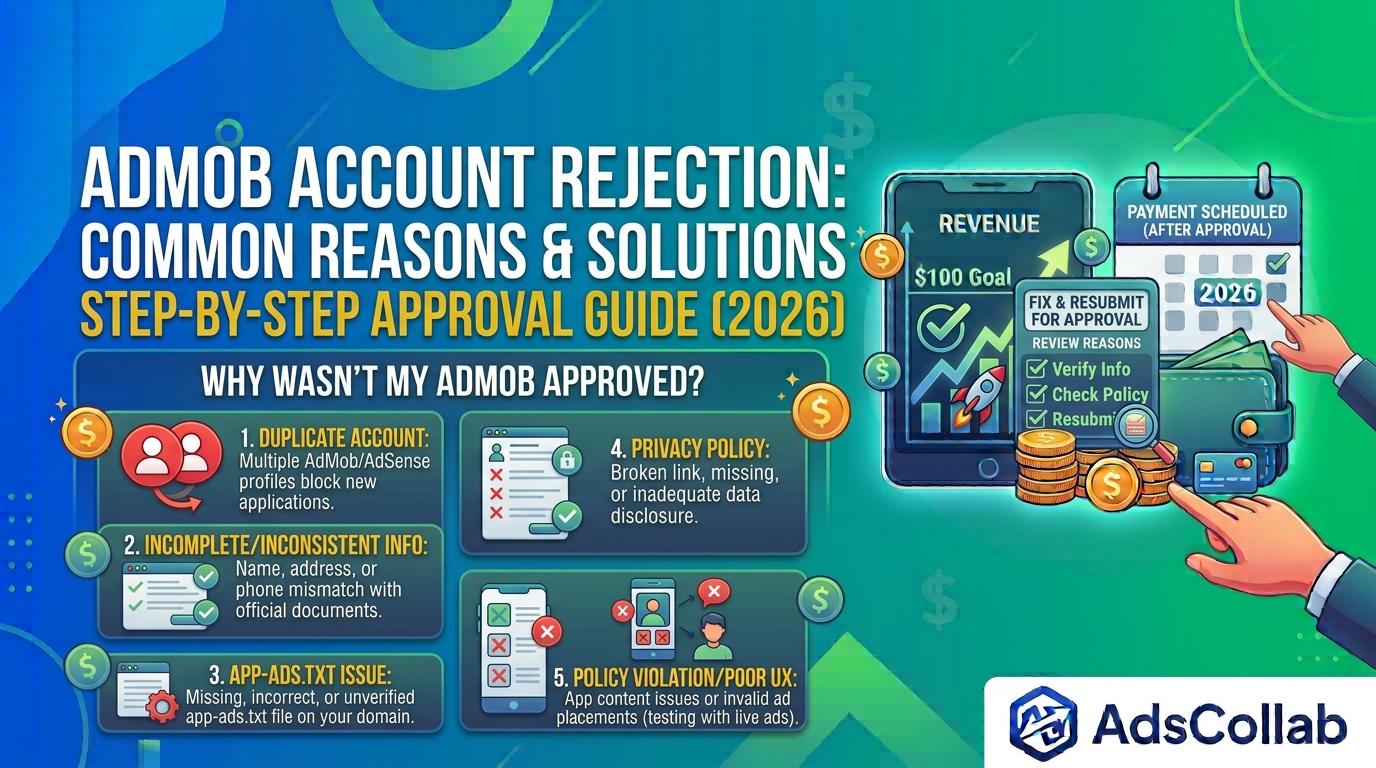
• Incomplete or unverifiable account information
Google requires accurate personal or business details, including your name, payment address, and phone number. If the information is incomplete, inconsistent, or cannot be verified, the account may be rejected.
• Duplicate accounts
Google generally allows only one AdMob account per publisher. If you previously created another AdMob or AdSense account, the new application may be blocked until the older account is properly closed.
• Policy violations related to your app
If the app linked to your account violates AdMob policies — such as insufficient content, inappropriate material, or poor user experience — the account may not be approved.
• Missing or incorrect privacy policy
A clear, publicly accessible privacy policy is required. If the link is broken, missing, or does not properly disclose data collection practices, it can lead to rejection.
• App-ads.txt issues
Since recent policy updates, a correctly configured app-ads.txt file has become an important part of the verification process. Missing or incorrectly formatted files can prevent approval.
• Invalid traffic or testing issues
Using live ad units during development and generating invalid clicks or impressions can trigger rejection or later suspension.
How to Get AdMob Approval
If your AdMob account is not approved, follow these steps carefully:
1. Check your email and Policy Center
Look for the official email from AdMob explaining the rejection. Also sign in to your AdMob account and review the Policy Center for any listed issues.
2. Verify and update your account information
Make sure your name, address, phone number, and payment details are accurate and match your official documents. Correct any inconsistencies before resubmitting.
3. Resolve duplicate accounts
If you have an older AdMob or AdSense account, close it properly or contact support to resolve ownership conflicts.
4. Fix app-related issues
Ensure your app has enough original content, a working privacy policy, proper ad placements, and a correctly set up app-ads.txt file. The app should be published on a supported store (Google Play or App Store) when possible.
5. Resubmit for review
After fixing the issues, go back to your AdMob account and resubmit the application for review. Approval can take from a few hours to several days.
6. Avoid creating multiple new accounts
Creating new accounts repeatedly can make the problem worse. Focus on fixing the existing application instead.
Best Practices to Avoid Rejection
Preventing an AdMob rejection is much easier than fixing one after it happens. By following a few important best practices from the beginning, you can significantly increase your chances of getting approved smoothly. Below are the key steps every developer should take before and during the application process.
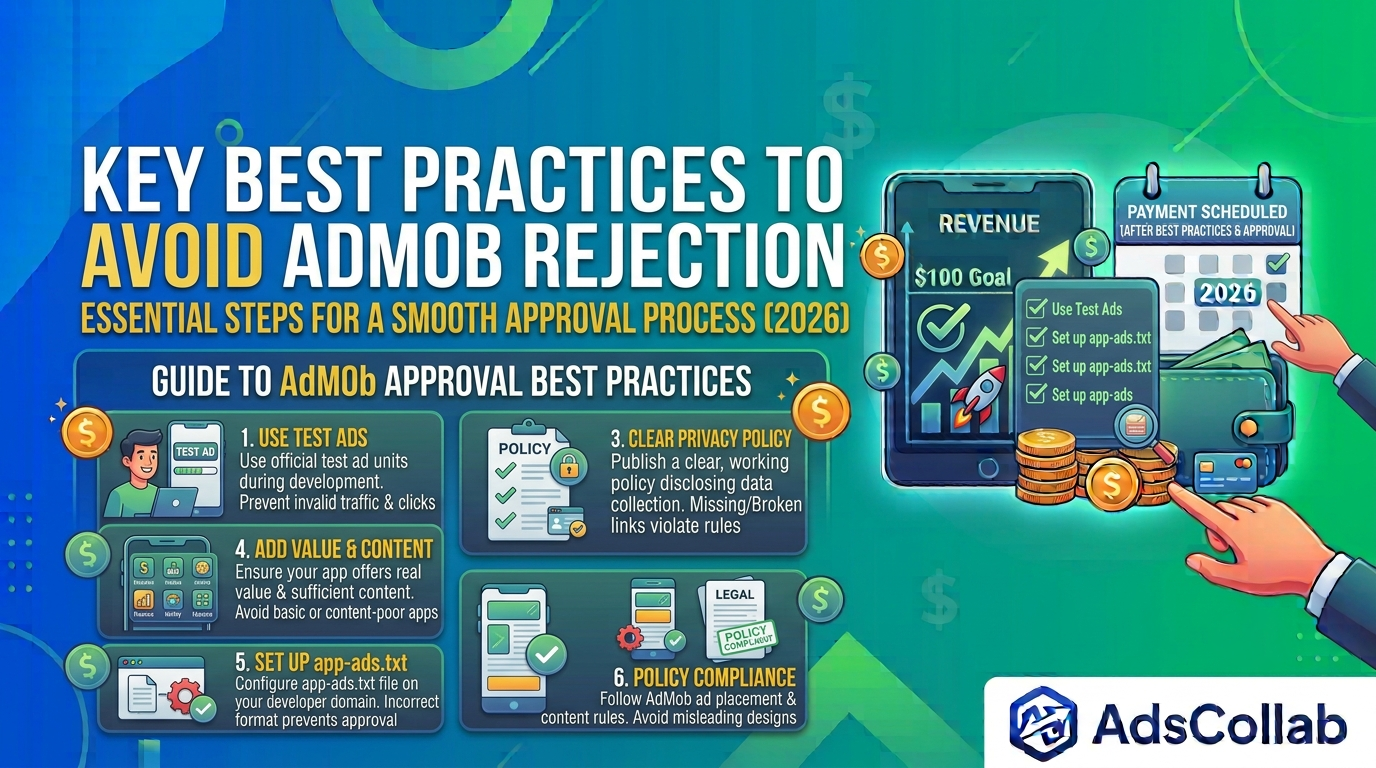
- Use test ads during development instead of live ad units
One of the most common reasons for rejection or later suspension is invalid traffic caused by testing with live ads. Always use Google’s official test ad units while developing and debugging your app. This prevents accidental clicks or impressions that can be flagged as invalid activity and harm your account’s approval chances.
- Provide complete and accurate personal/business information
Google reviews the details you submit during sign-up, including your name, address, phone number, and payment information. Make sure everything is accurate, consistent, and matches your official documents. Incomplete or unverifiable information is a frequent cause of account rejection.
- Publish a clear privacy policy
A working and publicly accessible privacy policy is required. It should clearly explain what data your app collects, how it is used, and how users can manage their information. A missing, broken, or unclear privacy policy can easily lead to your AdMob account not being approved.
- Make sure your app offers real value and sufficient content
AdMob expects apps to provide genuine functionality and enough content for users. Apps that are too basic, incomplete, or appear to exist mainly for displaying ads are more likely to be rejected. Focus on building a useful experience first, then add monetization.
- Set up app-ads.txt correctly
A properly configured app-ads.txt file has become an important part of the verification process. Ensure the file is correctly placed on your developer domain, contains the right publisher ID, and follows the required format. Errors in this file can delay or prevent approval.
- Follow AdMob ad placement and content policies carefully
Even before approval, your app should follow AdMob’s rules regarding ad placement, content quality, and user experience. Avoid placing ads too close to clickable elements, using misleading designs, or including restricted content. Strong policy compliance from the start helps reduce the risk of rejection.
Final Thoughts
An AdMob account not approved status is common, especially for new developers. In most cases, the issue can be resolved by carefully reviewing the rejection reasons, fixing account or app problems, and resubmitting for approval.
Patience and attention to detail are key. Once your account is approved and your app passes the readiness review, you can start serving ads and generating revenue. For more guides on AdMob, app monetization, and revenue optimization, you can visit adscollab.com.
Have you faced an AdMob approval issue? Share what worked for you in the comments below!

