How do I get my AdSense account approved? This is one of the most common questions from new bloggers and website owners. Getting approved by Google AdSense is an important step toward monetizing your content, but many applications get rejected because of simple mistakes.
In this guide, we’ll walk you through the key requirements and practical steps to improve your chances of getting your AdSense account approved in 2026.
Basic Eligibility Requirements
Before you apply for Google AdSense, it is important to make sure your account and website meet the fundamental eligibility rules. These requirements are non-negotiable, and failing to meet even one of them can result in an immediate rejection. Below are the core conditions you need to satisfy.
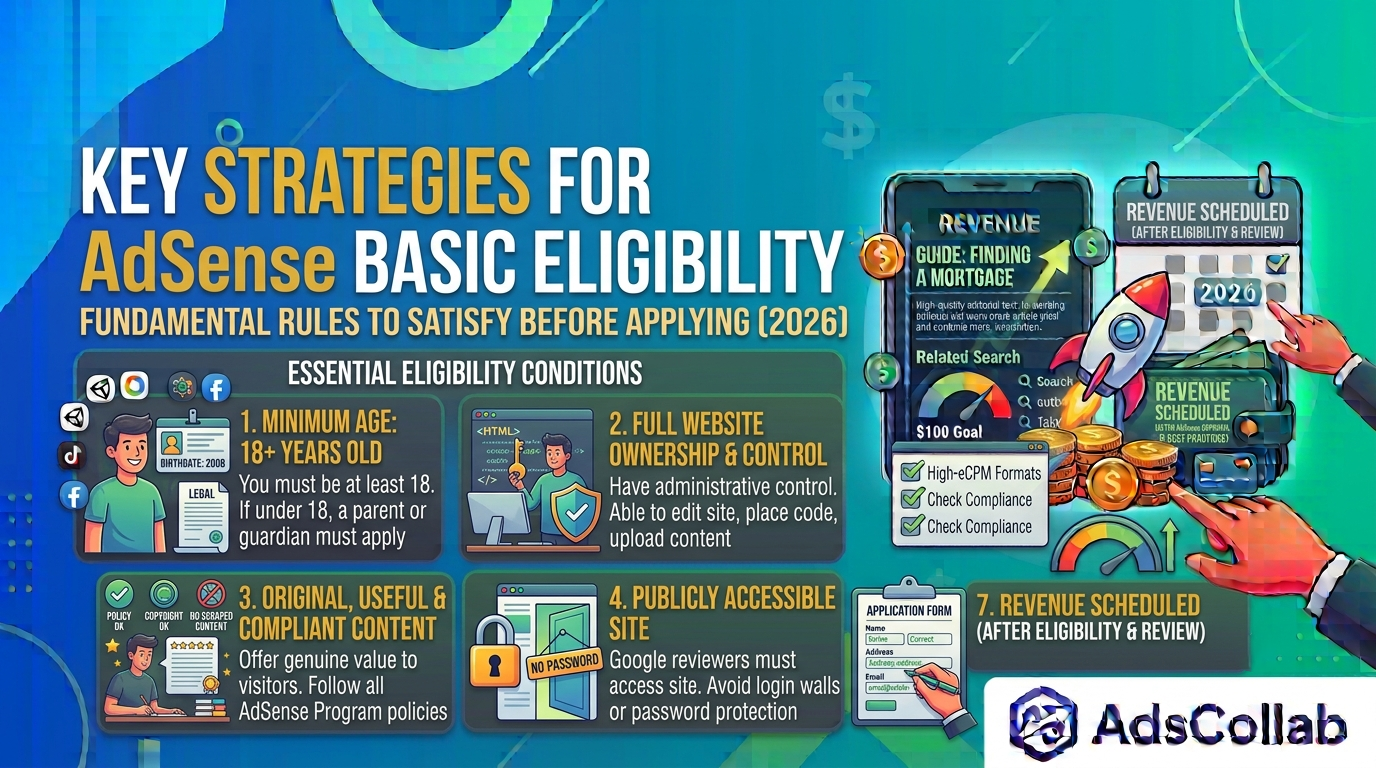
• You must be at least 18 years old (or have a parent/guardian apply on your behalf).
Google requires all AdSense account holders to be at least 18 years of age. If you are under 18, you cannot apply using your own account. In that case, a parent or legal guardian must create the AdSense account under their name and take full responsibility for the site and any earnings.
• You must own and control the website you submit.
You need to have full ownership and administrative control of the website you want to monetize. This means you should be able to edit the site’s code, upload content, and place the AdSense verification code. Sites on free platforms where you lack complete control, or websites you do not own, are generally not eligible.
• Your content must be original, useful, and comply with AdSense Program policies.
Google expects your website to offer original content that provides real value to visitors. Copied, scraped, or low-quality content will lead to rejection. In addition, everything on your site must follow AdSense Program policies, including rules about prohibited content, copyright, and user experience.
• Your site must be publicly accessible (not password-protected).
Your website needs to be open to the public so Google’s reviewers can access and evaluate it. If the site is locked behind a login, password, or membership wall, the review team will not be able to assess it properly, and your application is likely to be rejected.
Prepare Your Website Before Applying
1. Publish Enough High-Quality Content
Google does not publish an official minimum number of posts, but most successful applicants have at least 15–30 original articles. Focus on useful, well-written content rather than thin or duplicated pages. Aim for articles that are informative and provide real value to readers.
2. Add Essential Pages
Make sure your site includes these important pages:
- Privacy Policy (must mention cookies and data use)
- About Us page
- Contact page
- Disclaimer (recommended, especially for certain niches)
These pages help build trust and show that your site is complete.
3. Improve Site Quality and User Experience
Your website should be:
- Mobile-friendly
- Fast-loading
- Easy to navigate
- Free from broken links and excessive ads or pop-ups
- Secured with HTTPS (SSL certificate)
A clean, professional-looking site has a much better chance of approval.
4. Avoid Policy Violations
Do not publish content that violates AdSense policies, such as:
- Copied or scraped content
- Adult or violent material
- Misleading or low-value pages
- Copyrighted material used without permission
How to Apply for AdSense
Once your website is properly prepared and meets the basic requirements, you can begin the official application process. Following each step carefully helps avoid unnecessary delays or technical issues during the review. Here is how to apply for Google AdSense:
1. Go to the official AdSense website and sign in with your Google account.
Start by visiting the official Google AdSense website and signing in with the Google account you want to use for monetization. Make sure this is an account you fully control and plan to keep long-term, as AdSense accounts are tied to a specific Google identity and cannot be easily transferred.
2. Enter your website URL carefully.
When prompted, enter the exact URL of the website you want to monetize. Double-check for accuracy, including the correct domain name and whether it uses https://. Entering the wrong URL or a temporary staging link can cause problems during the review process.
3. Provide accurate personal and payment information.
Fill in your personal details and payment information carefully. Your name and address should match your official identification documents, as this information will later be used for identity verification and payments. Inaccurate details can delay approval or cause issues when you reach the payment stage.
4. Place the AdSense verification code in the head section of your site (or use a plugin like Site Kit by Google for WordPress).
Google will provide a small verification code snippet. You need to place this code correctly in the head section of your website so that AdSense can confirm ownership. If you use WordPress, the Site Kit by Google plugin can make this process much easier by handling the installation for you.
5. Submit your application and wait for the review.
After completing the required steps, submit your application and wait for Google’s review. The process usually takes a few days, but in some cases it may take up to 2–4 weeks. During this time, avoid making major changes to your site or canceling the application, as this can reset or delay the review.
How Long Does AdSense Approval Take?
The review process usually takes a few days, but in some cases it can take 2–4 weeks. Google performs both automated and manual checks, so patience is important. Avoid canceling and reapplying too quickly, as this can delay the process further.
Common Reasons for Rejection
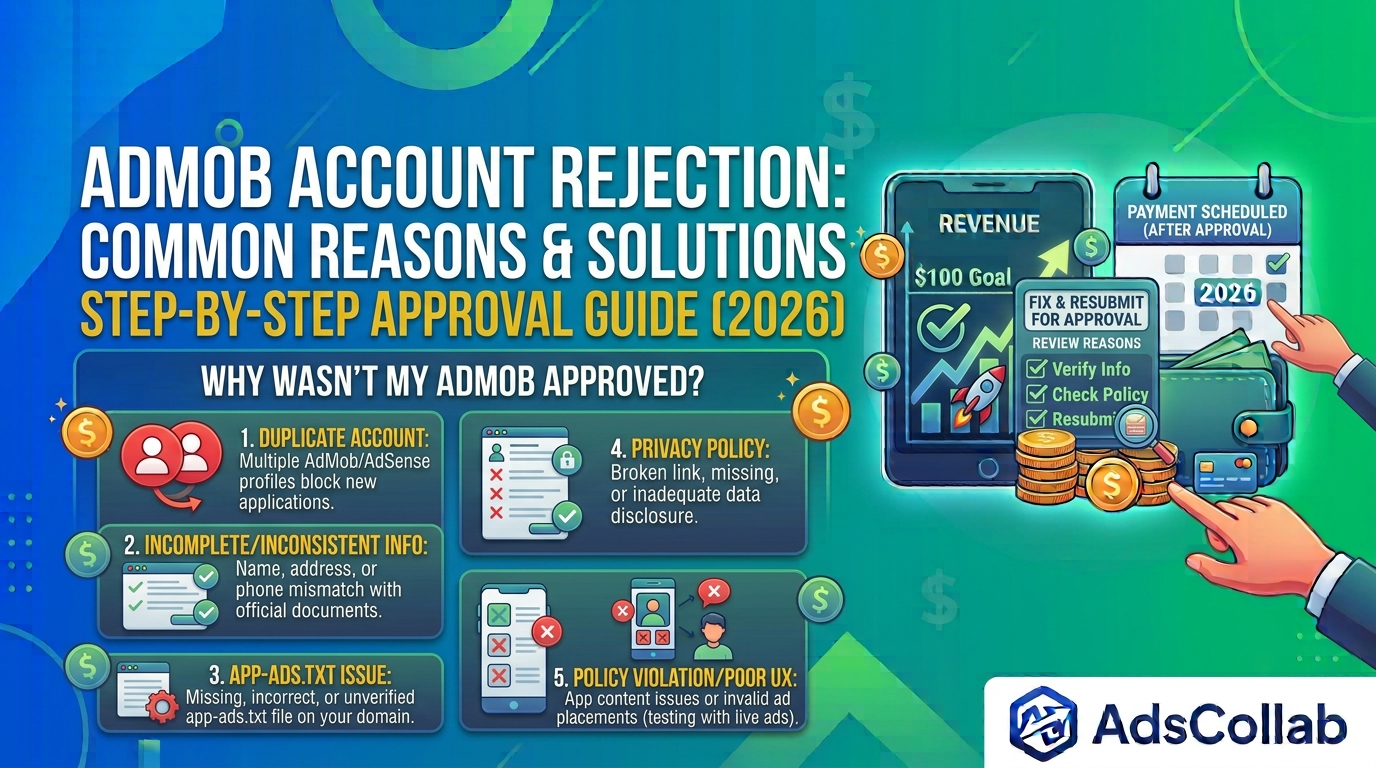
Even if you follow most of the guidelines, your AdSense application can still be rejected for specific issues. Understanding the most common reasons helps you prepare better and avoid unnecessary delays. Below are the problems that frequently lead to rejection.
• Low-quality or thin content
One of the most common reasons for rejection is content that offers little value to readers. Thin articles, poorly written posts, or pages with very little original information make it difficult for Google to see your site as a useful resource. Strengthening your content with clearer explanations, better structure, and more helpful details can significantly improve your chances.
• Missing essential pages (especially Privacy Policy)
Google expects certain standard pages to be present on your website before approval. A missing or incomplete Privacy Policy is one of the most frequent issues. About and Contact pages are also important. These pages help establish trust and show that your website is complete and professionally maintained.
• Poor site navigation or user experience
If visitors find it difficult to move around your site, Google reviewers may also view it negatively. Broken links, confusing menus, cluttered layouts, or pages that load too slowly can all hurt your application. A clean, easy-to-navigate website creates a better impression during the review process.
• Policy violations
Any content or site behavior that breaks AdSense Program policies can lead to rejection. This includes prohibited topics, copyrighted material used without permission, misleading information, or aggressive ad-like layouts. Reviewing Google’s policies carefully before applying can help you avoid these issues.
• Incomplete site setup
Submitting a website that still looks unfinished is another common mistake. Missing sections, placeholder text, incomplete pages, or a site that appears to be under construction can all result in rejection. Make sure your website looks complete and ready for visitors before you apply.
If your application is rejected, carefully read the email from Google to understand the specific reason. Take time to fix the issues thoroughly, improve your content and site quality, and only reapply once you have made meaningful improvements. Reapplying too quickly without real changes often leads to another rejection.
Final Tips to Increase Approval Chances
Getting approved for AdSense is often less about shortcuts and more about preparation. Taking the time to strengthen your website before applying can make a significant difference in the outcome. Here are some practical tips to improve your chances of success.
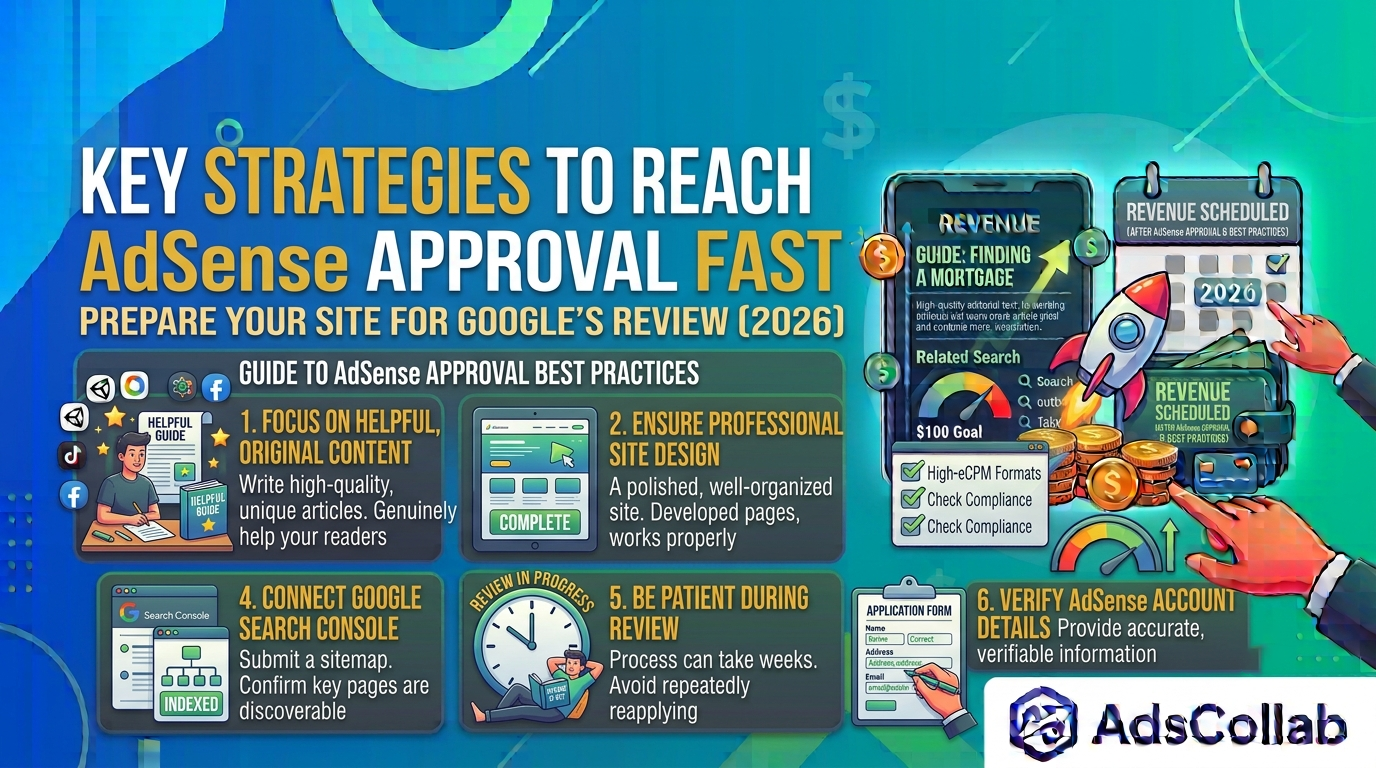
• Focus on creating helpful, original content first.
Content quality remains one of the most important factors in the approval process. Instead of rushing to publish as many posts as possible, concentrate on writing original articles that genuinely help your readers. Useful, well-structured content gives Google a clearer reason to approve your site.
• Make sure your site looks complete and professional.
A website that appears unfinished or poorly organized can raise concerns during the review. Ensure that your pages are fully developed, your navigation works properly, and your overall design looks polished. A complete and professional-looking site creates a stronger impression.
• Double-check that the AdSense code is correctly installed.
Even small mistakes in placing the AdSense verification code can cause problems. Make sure the code is added in the correct location, usually within the head section of your site, and that it appears properly across your pages. If you use WordPress, a reliable plugin can help reduce installation errors.
• Connect your site to Google Search Console and ensure key pages are indexed.
Google Search Console helps you monitor how Google views your site. Submitting a sitemap and confirming that your important pages are indexed shows that your content is accessible and discoverable. This can support a smoother review process.
• Be patient during the review process.
AdSense approval is not always instant. In many cases, the review can take several days or even a few weeks. Avoid repeatedly canceling and reapplying, as this can delay the process further. Once you have submitted a complete and well-prepared application, give Google time to complete the review.
Conclusion
How do I get my AdSense account approved? The short answer is: build a real, useful website with original content, add the required pages, follow Google’s policies, and submit a clean application. There are no guaranteed shortcuts, but meeting the core requirements significantly improves your chances.
Once approved, you can start displaying ads and earning from your content. Take the time to prepare properly — it will save you from repeated rejections later. For more guides on AdSense approval, monetization strategies, and revenue optimization, you can visit adscollab.com.
Have you already applied for AdSense, or are you still preparing your site? Share your experience in the comments!

